01
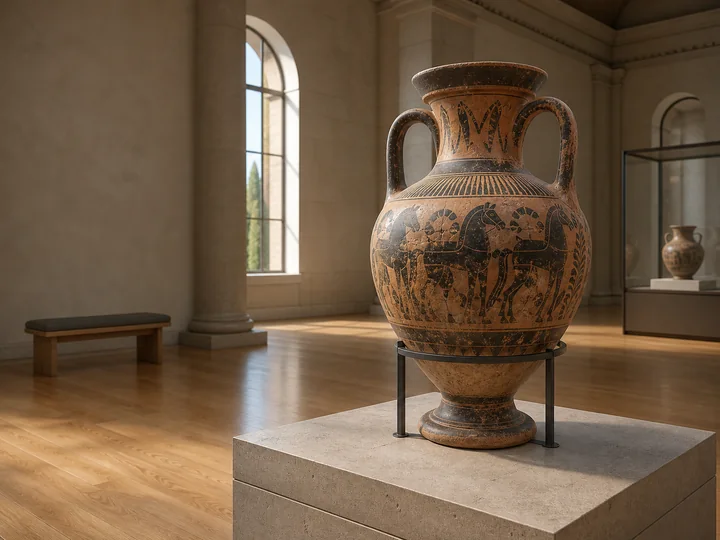
Add your content
Import supported 3D formats, images, video, audio, lights, and helper assets. VRodos prepares web-ready models and organizes everything inside WordPress.

Build interactive 3D experiences in WordPress, then publish them for the browser and supported VR headsets.

Ancient Corinth · CC BY
01
Import supported 3D formats, images, video, audio, lights, and helper assets. VRodos prepares web-ready models and organizes everything inside WordPress.
02
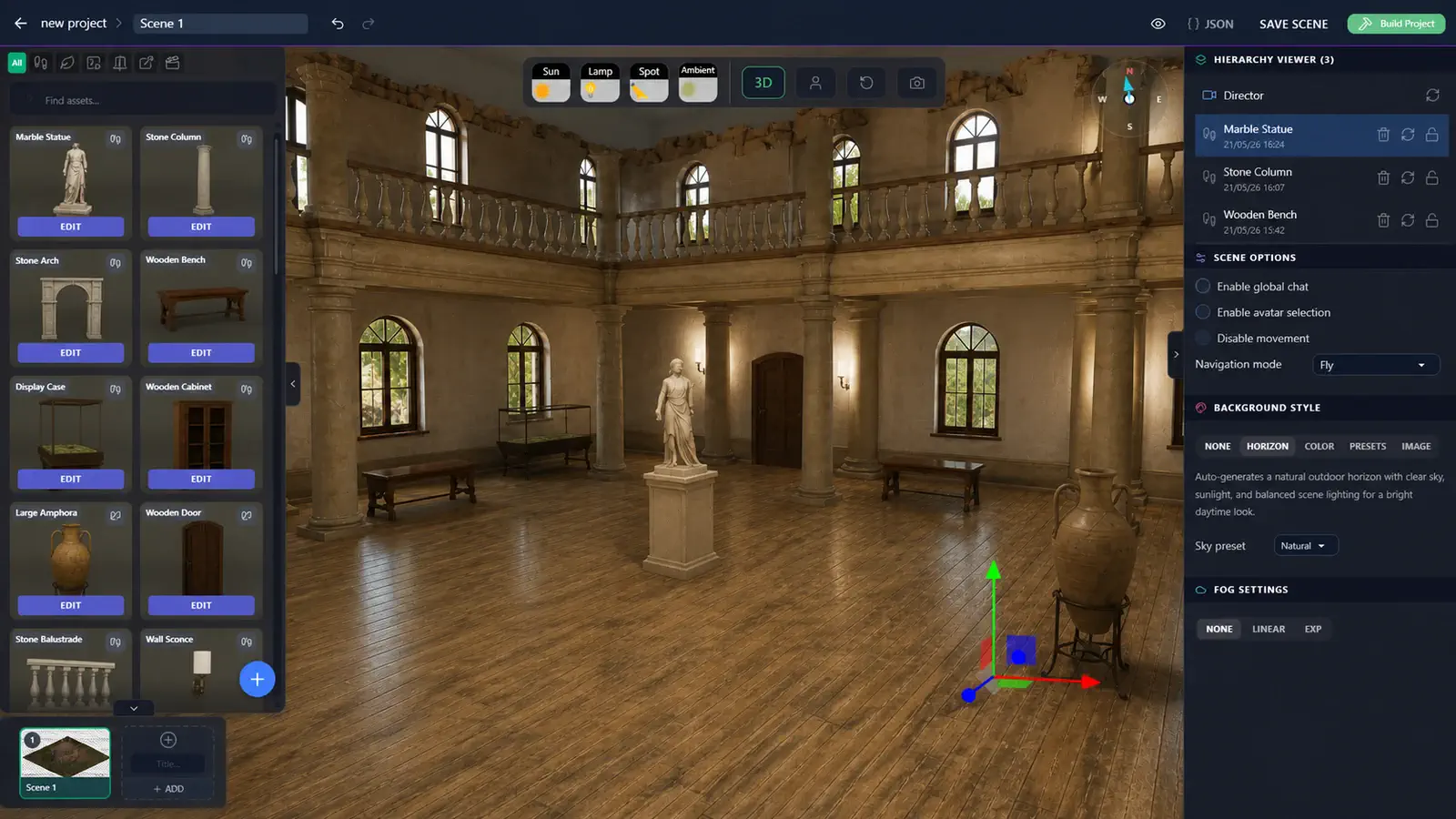
Turn your assets into interactive objects, then place and configure them in the browser editor with transforms, hierarchy, lighting, backgrounds, triggers, and movement helpers.
03
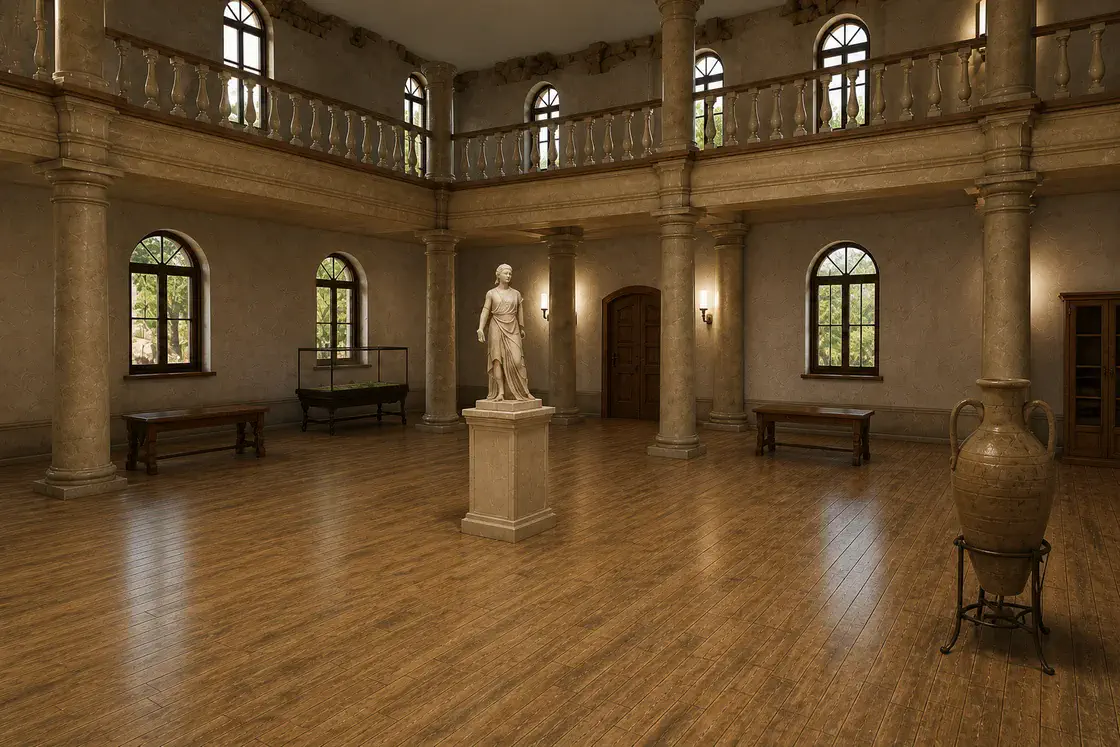
Choose the rendering and quality settings, compile the scene into browser-ready output, and publish it for desktop, fullscreen, or supported standalone VR headsets.
Walk the gallery, inspect its central exhibit, and open a story hotspot.
Circle a focused artifact and open contextual images that reveal its story.
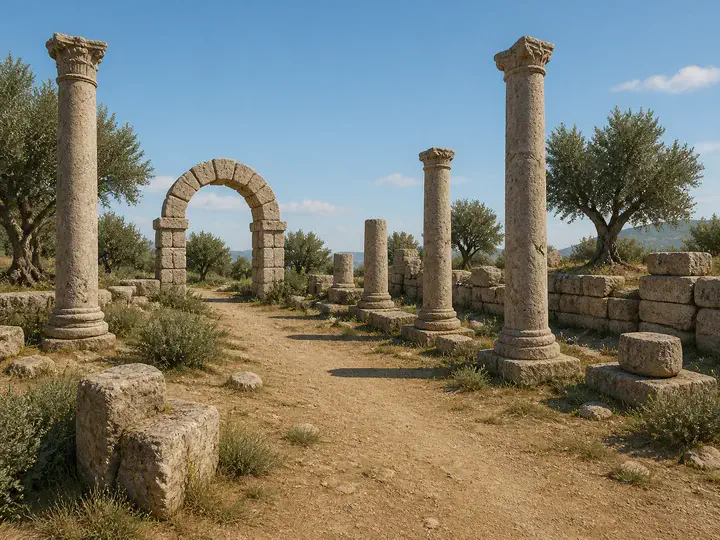
Follow an archaeological route and discover learning prompts within the landscape.
Atmosphere, movement, and finishing tools work together while the runtime adapts its output to the device.
Dynamic sky, sunlight, aerial perspective, volumetric clouds, and light shafts.
HDR environment light, reflections, fog, authored shadows, and grounded depth.
Triggers, spatial media, walkable areas, collision, and guided movement.
Bloom, ambient occlusion, tone mapping, color, and final image effects.
High-quality desktop presentation and a headset-safe immersive profile.
Across various research projects, VRodos was adapted for museums, classrooms, media platforms, trade fairs, and language learning.
 DigiArt
Brought cultural artefacts into interactive 3D stories.
 ENVISAGE
Gave educators a simpler way to build virtual labs.
 MediaVerse
Let creators bring reusable media into their VR projects.
 VRExpo
Turned virtual exhibitions into shared, multi-user spaces.
 IMMERSE
Helps teachers create immersive activities for language learners.
VRodos combines a WordPress and PHP authoring backend with a Three.js and WebXR runtime. Assets and scene data stay on infrastructure you control, while finished experiences compile into browser-ready projects.
Atmosphere and volumetric clouds shape sky, sunlight, haze, weather, and cloud effects. The post-processing pipeline adds bloom, ambient occlusion, tone mapping, color, and final image effects, with runtime features bundled only when each scene needs them.
Technical foundation